参考博客:
https://www.cnblogs.com/zhangxue521/p/12957816.html
Django的安装
前提
- pycharm

- Python 3.9.6
cmd命令
1
| pip install Django==3.2 -i https://pypi.tuna.tsinghua.edu.cn/simple
|
版本兼容参考:
https://blog.csdn.net/qq_28770757/article/details/123415364
检查是否安装成功:
1
| python -m django --version
|
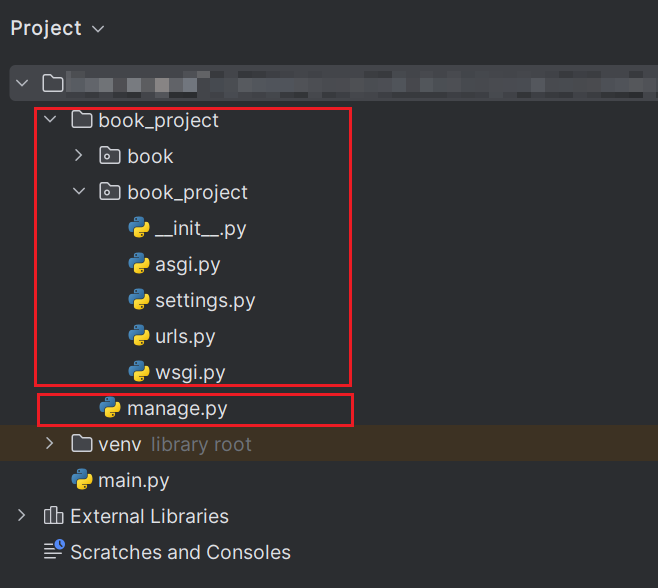
新建Django项目
1
2
3
4
5
| django-admin startproject book_project # 新建项目
cd book_project # 进入项目根目录
python manage.py startapp book # 新建app
|
后端准备
更改settings配置
- 更改数据库配置
- 导入pymysql包
- 更改installed_apps
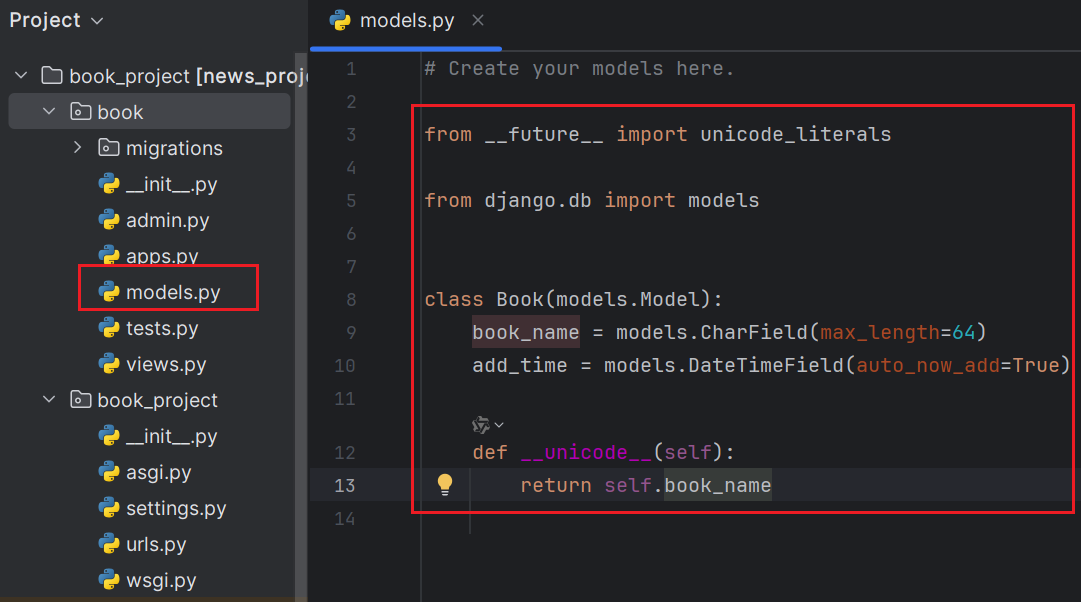
创建model
新增接口
创建app路由
初始化数据库
1
2
3
| python manage.py makemigrations
python manage.py migrate
|
启动服务
1
| python manage.py runserver
|
You’re seeing this error because you have DEBUG = True in your Django settings file. Change that to False, and Django will display a standard 404 page.
https://www.w3schools.com/django/django_404.php
测试接口
使用postman测试接口
https://www.postman.com/downloads/
1
2
3
4
5
| # 添加书籍test1
http://127.0.0.1:8000/api/add_book?book_name=test1
# 返回书籍列表
http://127.0.0.1:8000/api/show_book
|
前端
安装vue
1
| npm install -g @vue/cli
|
- 在安装 @vue/cli 时遇到了多个 npm warn deprecated 警告,表明某些依赖表已被废弃(deprecated)
因此需要重头装Vue,在已经提前装好
- node -v v22.11.0
- npm -v 10.9.0
的前提下,步骤如下:
https://blog.csdn.net/Javachichi/article/details/132868889
 1
 2
 3
 4
 5
 6
 7
 8
 9
10
11
12
13
14
15
16
17
18
19
20
21
22
23
24
25
26
27
28
29
30
31
| # 配置npm的全局模块目录和缓存目录配置到自己创建的那两个目录
npm config set prefix "D:\nodejs\node_global"
npm config set cache "D:\nodejs\node_cache"
# 下载源换为华为源
# 注:淘宝源不行npm config set registry https://registry.npm.taobao.org
npm config set registry https://mirrors.huaweicloud.com/repository/npm/
# 查看是否修改成功
npm config list
# 配置环境变量
# 用户变量 - Path - D:\nodejs\node_global
# 系统变量 - 新建 - 变量名:NODE_PATH - 变量值:D:\nodejs\node_global\node_modules
# 系统变量 - Path - %NODE_PATH%
# 安装vue
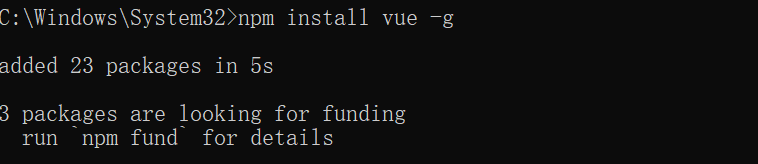
npm install vue -g
# 安装vue/cli
npm install -g @vue/cli
# 测试vue是否配置成功
vue --version
|
安装模版
 1
 2
 3
 4
 5
 6
 7
 8
 9
10
11
12
13
14
| # 克隆项目
git clone https://github.com/PanJiaChen/vue-admin-template.git
# 进入项目根目录
cd vue-admin-template
# 项目安装所需依赖, 建议不要用 cnpm 安装 会有各种诡异的bug 可以通过如下操作解决 npm 下载速度慢的问题
npm install --registry=https://registry.npm.taobao.org
# 本地开发 启动项目
npm run dev
|
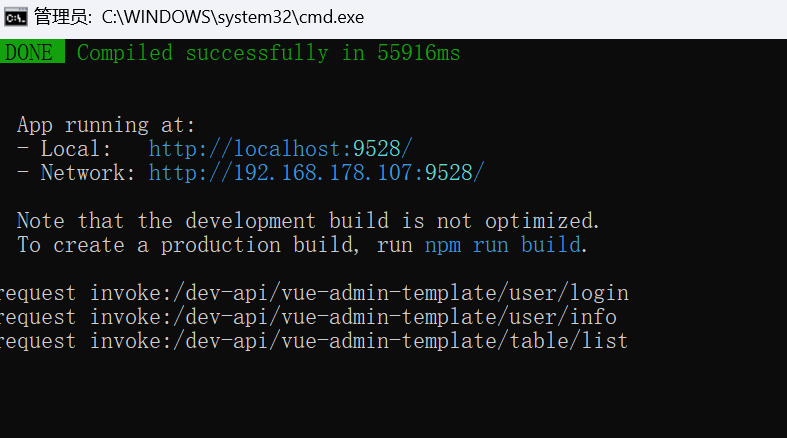
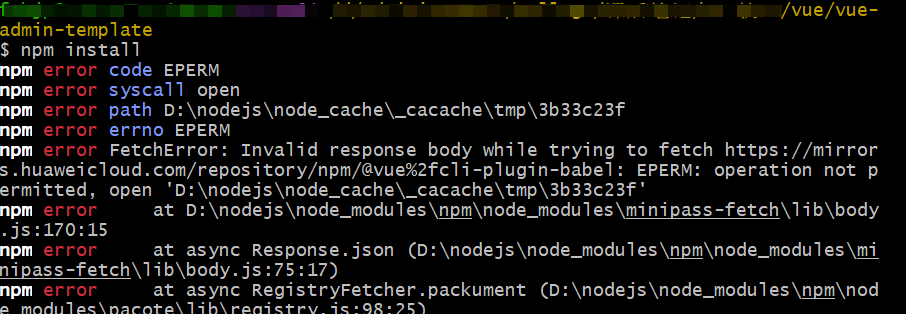
遇到此类报错可能是因为没有用管理员权限,需要用管理员权限打开cmd,cd到vue模板项目根目录,再执行命令行
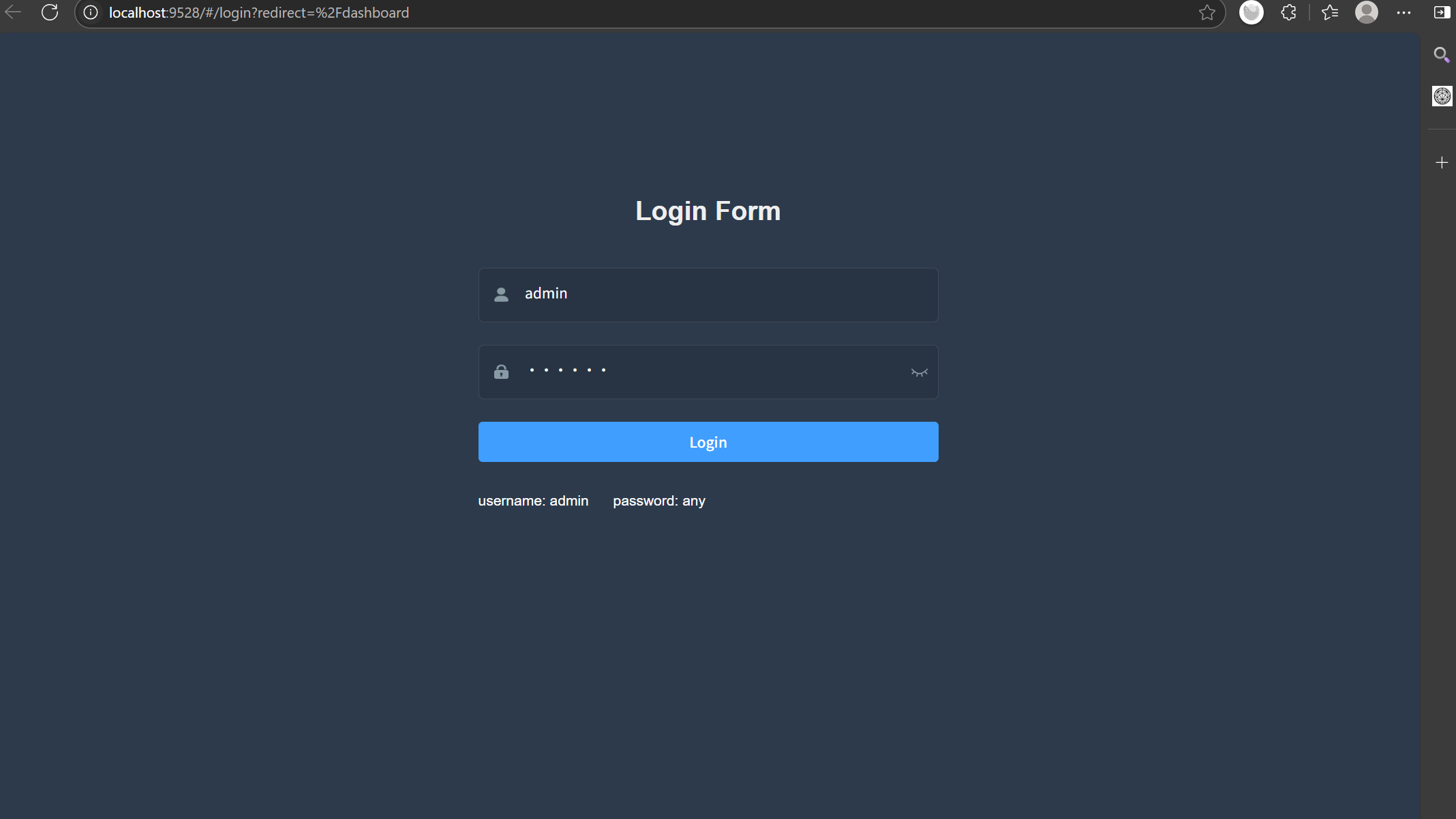
执行npm run dev成功后,可看到web界面
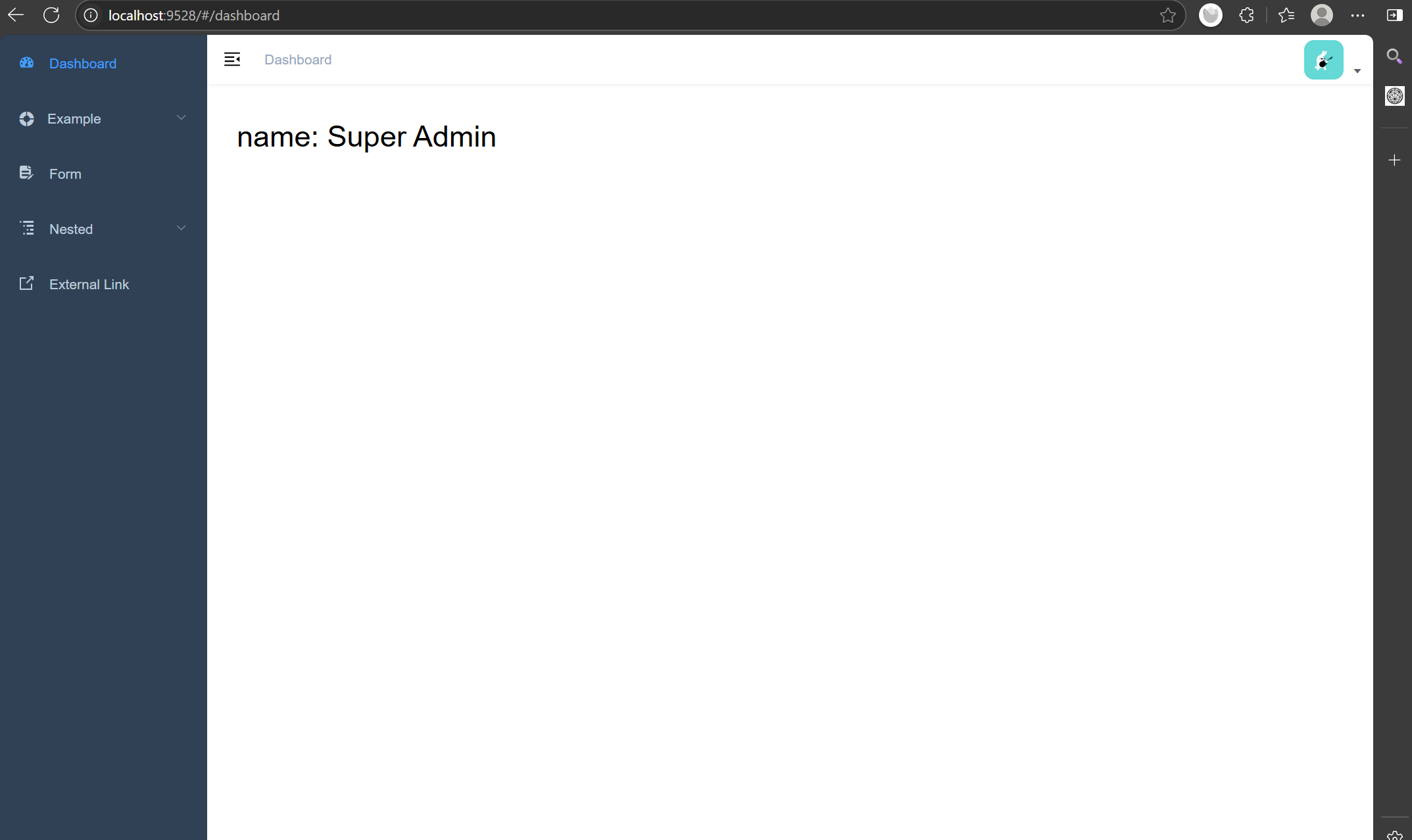
登录后可看到
与服务端交互
在src->api->创建book.js文件
 1
 2
 3
 4
 5
 6
 7
 8
 9
10
11
12
13
14
15
16
| import request from '@/utils/request'
export function getList(){
return request({
url: '/api/show_books',
method: 'get',
})
}
export function addbook(book_name) {
return request({
url: '/api/add_book',
method: 'get',
params: { book_name }
})
}
|
改Bug
前端修改
后端修改
pip install django-cors-headers

 遇到此类报错可能是因为没有用管理员权限,需要用管理员权限打开cmd,cd到vue模板项目根目录,再执行命令行